AI on Your Own Computer:
What You Get From It.
The core problem
When you use ChatGPT, Otter.ai, or Dragon Medical, your data travels over the internet to remote servers. For four professional groups, this creates legal risk:
Cloud vs. local — the difference
ChatGPT, Otter.ai, Dragon Medical One
- Data leaves the machine
- Data processing agreement required
- Internet connection mandatory
- Monthly subscriptions, recurring costs
- Vendor-dependent (insolvency, ToS changes)
Software on your computer
- Data stays on the device
- No contract with third parties needed
- Works offline
- One-time purchase
- The software is yours and keeps working
How it actually works
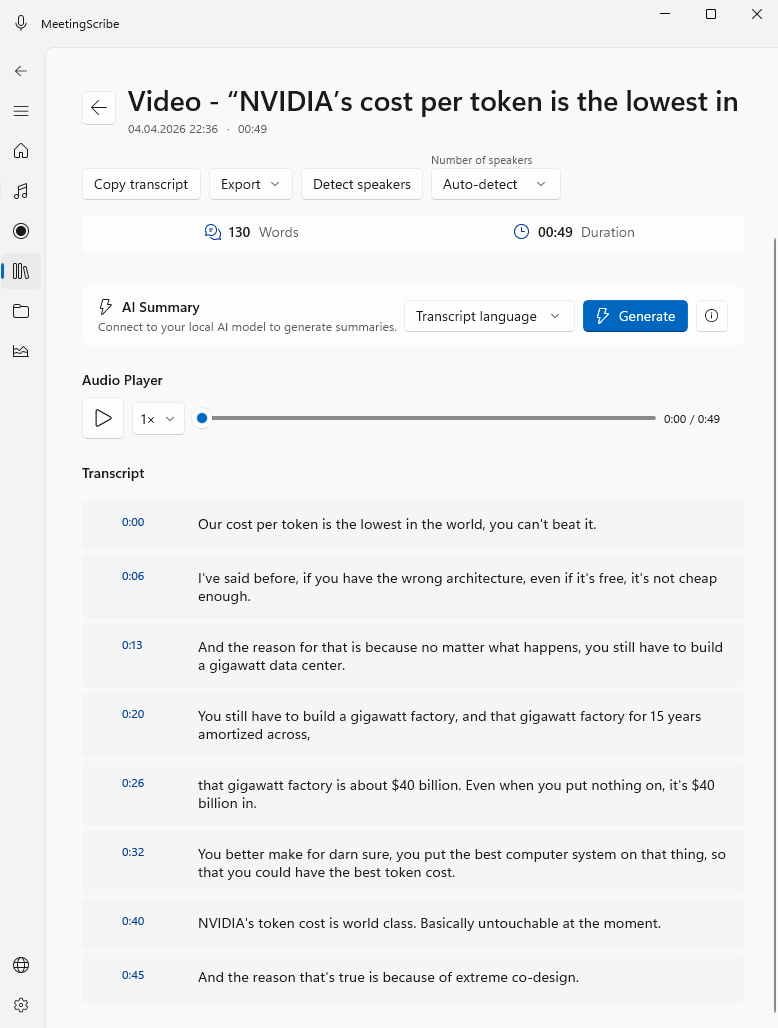
Two concrete use cases
Transcribing research interviews
A PhD candidate has conducted 18 interviews of 90 minutes each with refugees — qualitative social research with especially sensitive data.
External transcription service: thousands of euros, an additional person with access to confidential data. Research ethics committee prohibits cloud tools. Self-typing costs 100+ hours.
Interviews are transcribed on the research computer. Speakers are automatically separated. Direct export into MAXQDA or ATLAS.ti. Audio never leaves the machine.
Structured dictation transcription
A construction-damage expert dictates findings after each on-site visit — 30–60 minutes of audio per assessment, often containing client or patient data.
Dictation device → typist → manual transcription, often taking days. Cloud solutions like Dragon Medical cost several thousand euros per year and send dictations to external servers.
Recording is converted to text on the expert's own PC — within minutes. Direct export into the expert-report Word document. No external person, no cloud, no data processing agreement needed.
What does this cost over 3 years?
What you actually need
Local audio transcription for Windows.
Gorec builds MeetingScribe — an application that does exactly this: audio to text, entirely on your computer, no cloud. Three editions for different professional groups.
Three editions for different use cases: